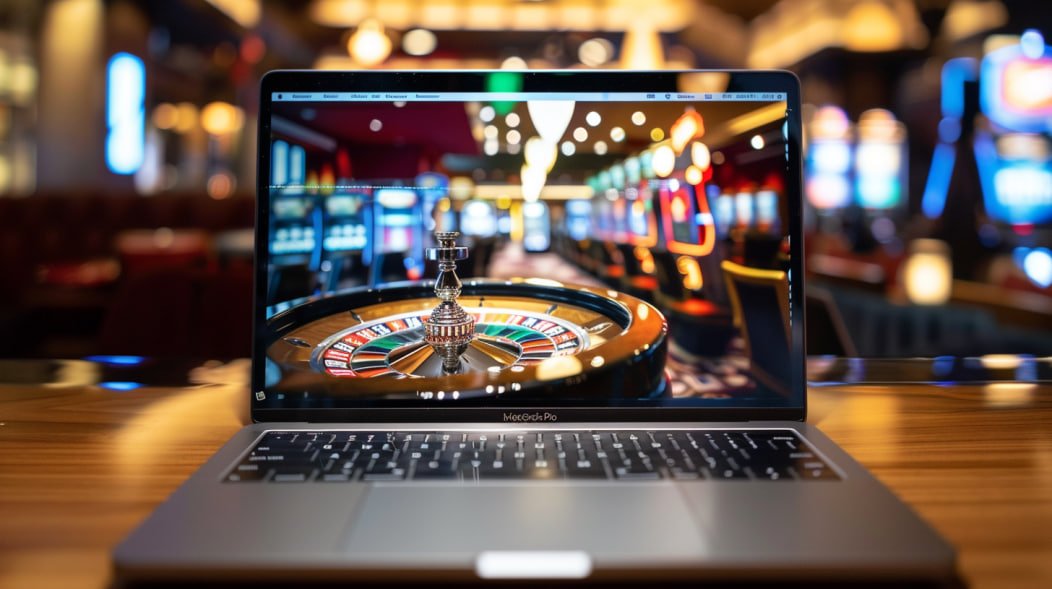
Baje77's official mobile app puts slots, fish games, Live Casino, and much more right in your pocket. Play anytime, anywhere.
Android, iOS, or straight from your browser — play Baje77 however works best for you
Download the APK file directly and install it on any Android device. No Google Play required.
IPhone and iPad users can easily install the Baje77 app. Just add it to your home screen directly from the Safari browser.
Play directly on baje77.pro from your browser — no download needed. Works on Chrome, Firefox, Safari, and all major browsers.
What makes the Baje77 mobile app stand out
Games load in just 2–3 seconds. The app is optimized for smooth gameplay even on a weak network connection.
Get notifications straight to your phone for new bonuses, free spin offers, and deposit/withdrawal updates.
Log in in just one second using your fingerprint or Face ID. No more remembering passwords.
Eye-friendly dark mode for late-night sessions. Saves battery and reduces eye strain.
Deposit and withdraw in one tap with Mobile Banking, Nagad, or Rocket. Payment integration is fully secure.
All your data is protected with 256-bit SSL encryption. There is no risk of hacking or data theft.
Install the Baje77 APK in just a few simple steps
Create a Baje77 account or log in with an existing one. An account is required to access the app download link.
Download the Android APK file from the app page. The file will be saved to your phone's Downloads folder.
Go to Settings → Security → Unknown Sources and turn it on. This allows APKs from outside the Google Play Store to be installed.
Tap the downloaded APK file and hit the Install button. Installation completes in under 30 seconds.
Open the app, log in, and claim your welcome bonus right away. Spin now!
Add to Home Screen from Safari
Visit baje77.pro in Safari on your iPhone or iPad. Please use Safari rather than Chrome or Firefox.
Tap the Share icon at the bottom (the square with an arrow). A menu will slide up.
Select the "Add to Home Screen" option. Confirm the name and tap "Add".
The Baje77 icon will now appear on your home screen. This is a PWA that works just like a native app.
Tap the app icon, log in, and enjoy all games and bonuses.
Minimum and recommended specs to run the Baje77 app
| Subject | Minimum | Recommended |
|---|---|---|
| OS Version | Android 6.0 | Android 10+ |
| RAM | 2 GB | 4 GB+ |
| Storage | 50 MB | 100 MB+ |
| Internet | 3G (1 Mbps) | 4G/WiFi |
| Processor | Quad-core | Octa-core |
| Unknown Sources | Must be enabled | On |
| Subject | Minimum | Recommended |
|---|---|---|
| OS Version | IOS 13.0 | IOS 16+ |
| Device | IPhone 6s | IPhone 11+ |
| Storage | 52 MB | 100 MB+ |
| Internet | 3G (1 Mbps) | 4G/WiFi |
| Browser | Safari | Safari latest |
| IPad Support | iPadOS 13+ | iPadOS 16+ |
Online gaming is no longer just a desktop activity — most gamers in Bangladesh now play on mobile. With that reality in mind, Baje77 built a dedicated mobile app designed specifically for Bangladeshi users: where internet speeds aren't always consistent, devices may have limited RAM, but the gaming experience should never be compromised.
The Baje77 app brings everything from the website into a lightweight, fast, and user-friendly interface. From slots to Live Casino, fish games to Sports Betting — all in one place, right at your fingertips.
Good to know: The Baje77 app is not available on the Google Play Store because Play Store policies for online gaming apps in Bangladesh work differently. That's why a direct APK download is required. This is a completely safe and official process.
The Baje77 app is more than just a mobile version of the site. It comes with exclusive perks for app users: earn a daily bonus just by logging in, get instant push notifications for new promotions and tournaments, and join Live Casino games with ease — camera and audio are optimized automatically.
Head to the Banking section to deposit and withdraw directly via Mobile Banking, Nagad, or Rocket. With direct integration to mobile banking apps, the whole process takes just a few minutes.
Many people wonder whether installing a third-party APK is safe. Baje77's official APK is served directly from their servers and every file is digitally signed. All data transfers within the app are protected by SSL/TLS encryption. Personal information and transaction history are never shared with third parties.
Warning: Always download the APK from Baje77's official website only. Downloading from any other site or link may pose a security risk.
Baje77 releases regular app updates. When a new update is available, you'll get a notification inside the app. From there, you can download and install the latest version with a single tap. Your account balance and game history are never affected during an update.
Tips: Clear the app cache occasionally to keep performance smooth. Go to Settings → Apps → Baje77 → Clear Cache to do this.

If you run into any issues during installation, our 24/7 support team is ready to help.
View FAQ Create Account
Answers to the most frequently asked questions about the Baje77 app
Millions of Bangladeshi gamers are already on the Baje77 app. Join them and enjoy the best mobile gaming experience.